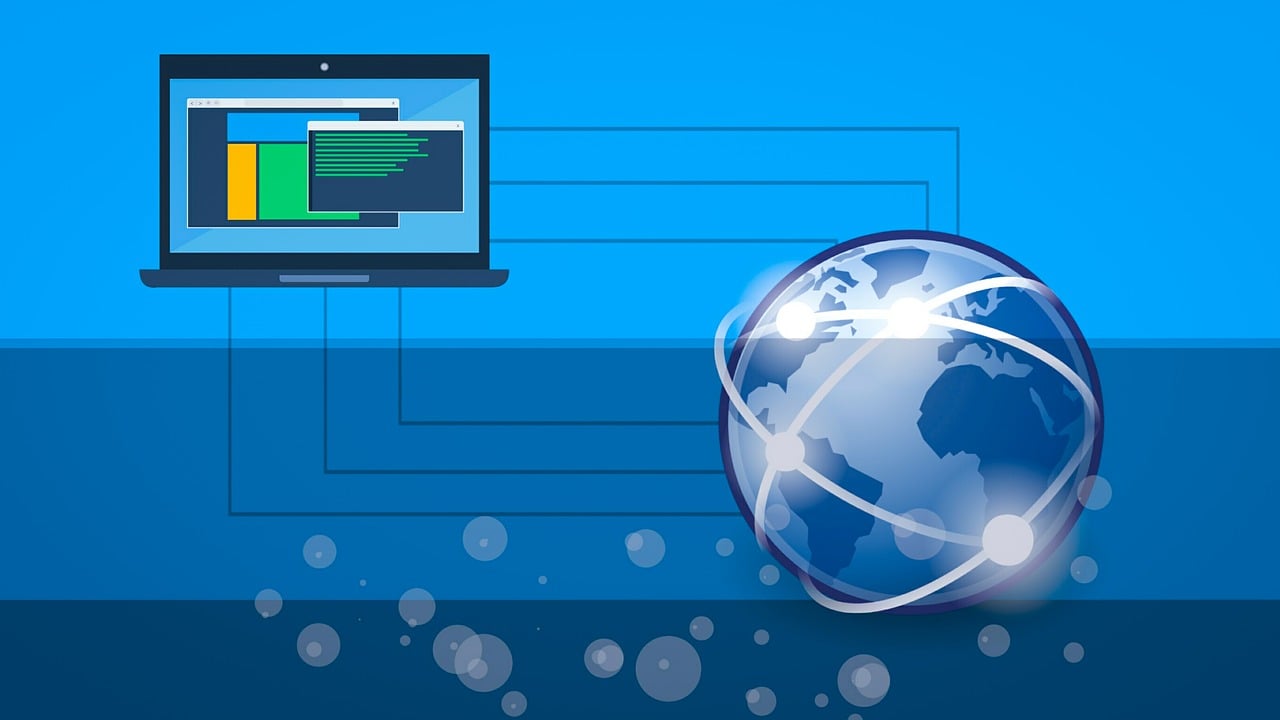
An IP (Internet Protocol) address is the number other machines use to send data back to your device. It works like the return address on an envelope: routers along the way read it to decide where each packet goes next, and the server you contacted uses it to address its reply. When people say "my IP", they usually mean two different addresses — the private one your device holds on your local network, and the public one your whole household or office shares on the internet.
The two addresses behind "my IP"
Your router runs NAT, so traffic leaving your network all appears to come from a single public address assigned by your ISP, while each device keeps its own private address on the LAN. A website only ever sees the public one. To read your private address, use ipconfig (Windows) or ip addr (Linux/macOS); to read your public address, ask an external service such as findWhatIsMyIP.com, which just echoes the source address of your request.
Types of IP address
- Public IP address
- Assigned to your router by your ISP; routable across the internet
- Shared by every device on your network via NAT
- Usually dynamic — it changes when the DHCP lease renews or the modem reconnects — unless you pay for a static IP
- Private IP address
- Used only inside a local network; not routable on the internet (RFC 1918)
- Handed out by your router's DHCP server
- Falls in
10.0.0.0/8,172.16.0.0/12, or192.168.0.0/16
IPv6 changes this picture: there is enough address space to give every device its own globally routable address, so NAT is no longer required, though firewalls still control what can reach those devices.
Pros and cons of the IP addressing system
Pros:
- Enables global internet communication
- Helps in routing internet traffic
- Essential for online services and connectivity
Cons:
- Potential privacy concerns
- Can be used to track online activities
- Vulnerable to certain types of cyber attacks
What your public IP does and doesn't reveal
It does show: your ISP or mobile carrier, your rough location (country reliably, city only approximately), and whether the connection is residential, mobile, business, or a data centre. Servers you visit log it, and it can be used to correlate your sessions over time.
It does not show: your name, street address, or phone number. That mapping exists only at your ISP and is released only under a court order or similar legal process.
What being reachable online exposes you to
Every reachable IP address is a target for the same handful of high-volume attacks, regardless of how well it's hidden:
- Phishing — a message impersonating a bank, colleague, or internal system to get you to hand over credentials or approve a payment, often via a near-perfect clone of a real login page. Defence: never authenticate from a link in an email — type the address yourself — and use phishing-resistant MFA (a hardware key or passkey, not SMS).
- Malware — info-stealers, remote-access trojans, and cryptominers delivered via malicious attachments, cracked software, or fake update prompts. Defence: automatic OS/browser updates, software only from official sources, and running as a standard user day-to-day.
- Ransomware — encrypts your files (and often every network share it can reach) and demands payment; many groups also steal the data first. Defence: offline, tested backups; network segmentation; and prompt patching of internet-facing services.
- PII theft — harvested from breaches, phishing, and stealer malware, then resold for identity fraud and account takeover. Defence: a unique password per account, MFA everywhere, and checking your accounts against a breach-notification service.
- Unsecured or public Wi-Fi — carries unencrypted traffic in the clear; DNS lookups and visited domains remain visible even over HTTPS. Defence: prefer your phone's hotspot over unknown public Wi-Fi, or use a reputable VPN on untrusted networks.
- Man-in-the-middle attacks — someone positions themselves between you and the server via a hostile access point, ARP spoofing, or DNS hijacking. Defence: insist on HTTPS, heed certificate warnings, and use DNS over HTTPS/TLS.
None of this makes you invisible — your IP is still visible to every server you contact — but it removes the cheap, high-volume attacks that rely on reused passwords, missing patches, and users who click through warnings.
Reducing what it exposes
- Use a VPN on untrusted networks so sites see the VPN's exit address instead of yours, and the local network sees only an encrypted tunnel.
- Change your router's default admin password and keep its firmware on automatic updates.
- Don't run services you don't need exposed to the internet — no port forwarding, and no RDP or SSH open to the world without key auth and a firewall allow-list.
- Request a new address by power-cycling the modem for a while if you're being targeted; most residential IPs are dynamic.
The two address formats
- IPv4 — 32 bits, four dotted decimals such as
203.0.113.25. About 4.3 billion addresses; the free pool is exhausted. - IPv6 — 128 bits, eight hex groups such as
2001:db8:85a3::8a2e:370:7334. Leading zeros are dropped and one run of all-zero groups is collapsed to::.
Masking your IP address is only half the battle — the accounts sitting behind it still need strong, unique credentials. Our free strong password generator makes that easy.
TCP/IP Socket Programming in C#